Crop a photo to the size a form asks for
Drop the photo, choose a ratio or exact pixels and move the frame. Refentra shows whether the crop still meets the destination's pixel minimum.
Loading file selection…
What you need this for
- A square photo for a visa or profile (U.S. visa).
- A passport photo that needs more space above the head (UK passport).
- Rotating a photo that shows up sideways after uploading.
How it works
- Drop the photo and pick a ratio, exact pixels or a platform.
- Move and resize the frame; rotate if needed.
- Download the cropped copy.
All actions in this task
- Centre crop
Quickly crops to 1:1, 4:3 or 16:9 around the centre.
- Free crop
Move the frame freely, pick a ratio or set exact pixels.
- Circle crop
Circle or rounded square for a profile picture, transparent PNG.
- Rotate or mirror
Turns a sideways photo the right way up.
- Black out areas
Permanently covers names, numbers or faces before you share the image.
- Text watermark
Adds a note such as "For this application only" to the image.
- Remove plain background
Removes an even background, for example behind a signature.
- Brightness and colours
Adjust brightness, contrast, saturation or make it black and white.
- Social media sizes
Creates several fitting sizes from one image at once.
Example

- 2.257.414 bytes
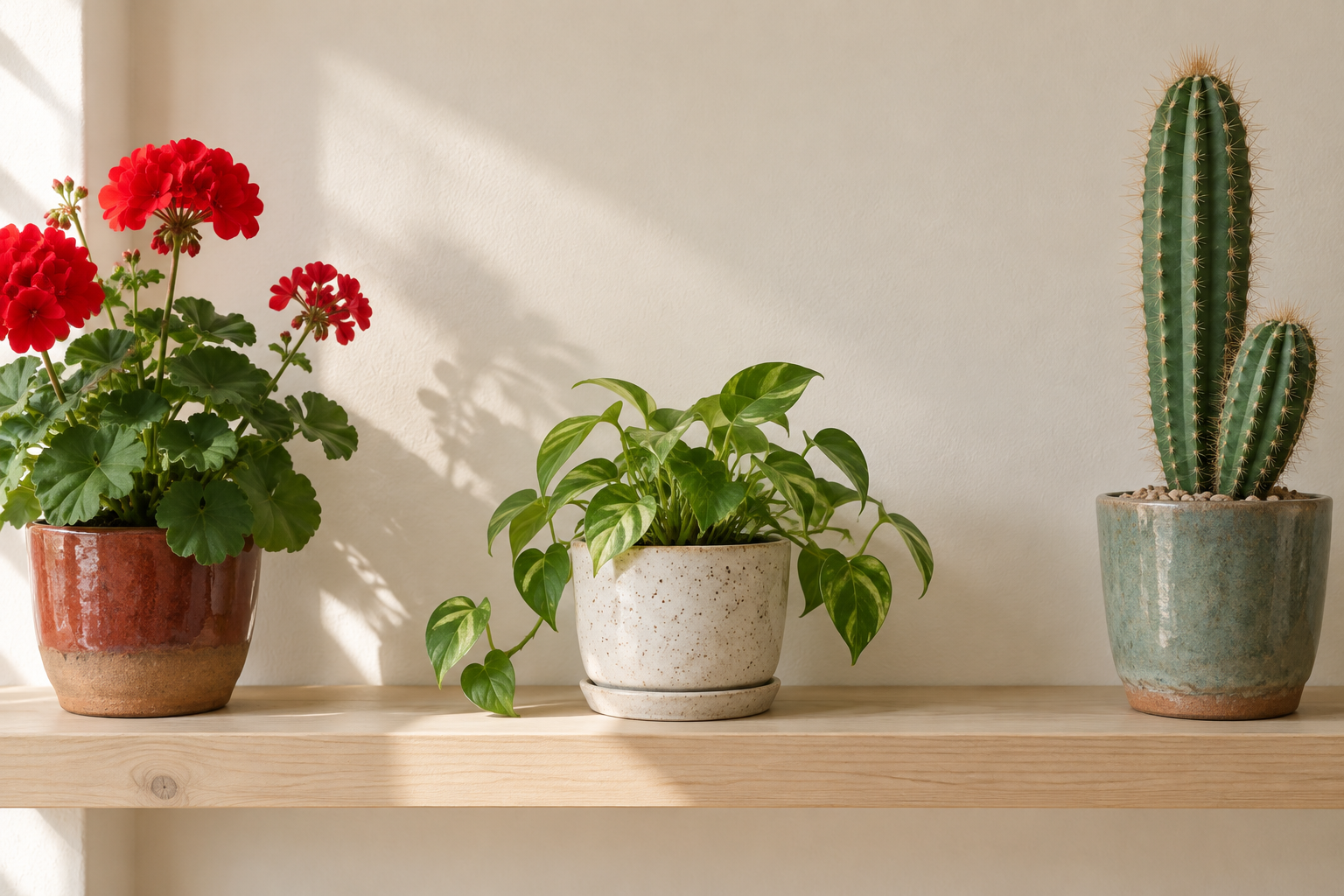

- 156.901 bytes
- 1024 × 1024 pixels
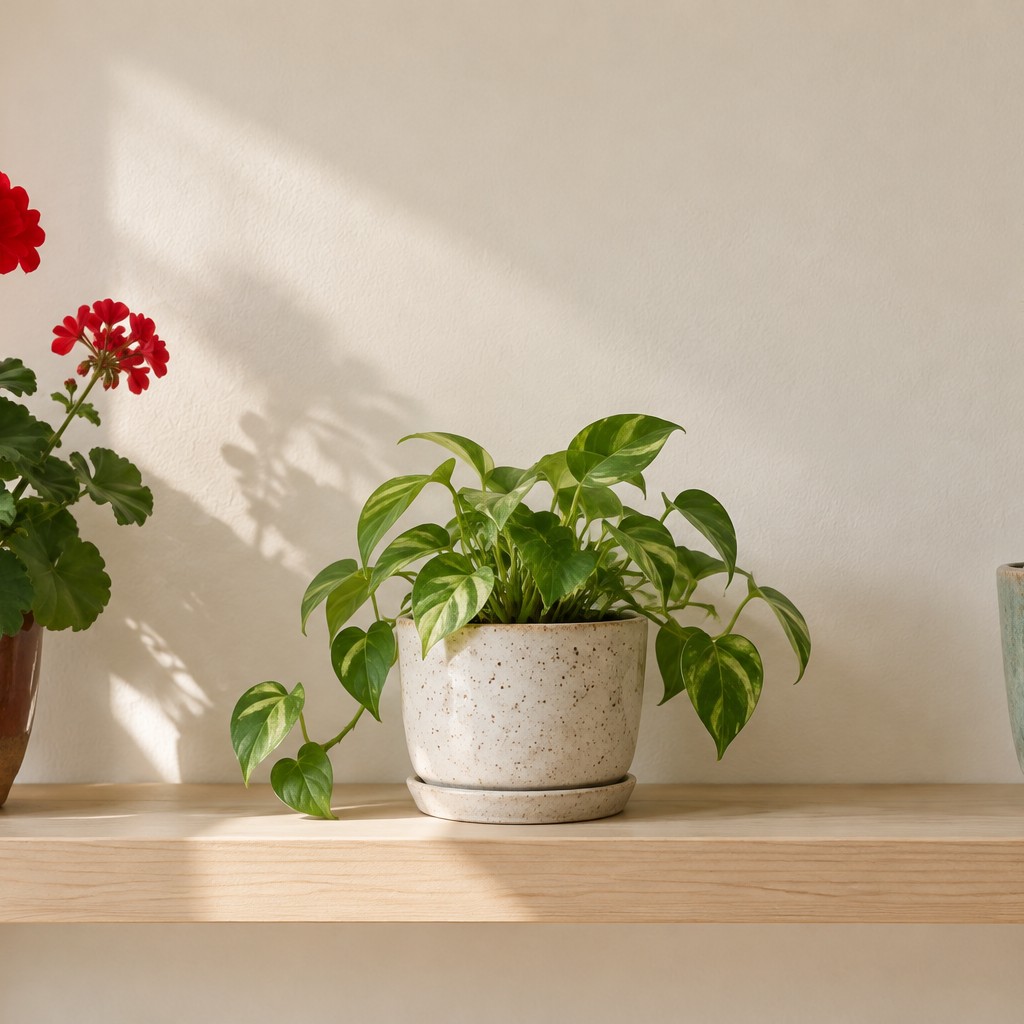
A landscape photo cropped around its centre.
- ✓ Selected requirements met
How we checked this
Created with a sample file in the public tool, then the downloaded file was opened separately.
Limits
- Cropping removes pixels. If the result falls below a pixel minimum, the check tells you before download.
- This tool doesn't change backgrounds or retouch faces; official photo rules forbid edited photos.
Questions
Why did my crop get smaller in pixels?
Every crop removes part of the picture. Start from the original photo, not a messenger copy.
Can I make a circle crop for a profile picture?
Yes, choose the circle shape; the result is a PNG with transparent corners.
Is my photo uploaded?
No. Cropping runs in your browser.