Compress an image to a size limit
Set the limit your form asks for, drop the photo and download a copy that fits. Refentra checks the result before you download it.
Loading file selection…
What you need this for
- Application or portal photo with a fixed limit such as 100 KB.
- Listing photos for marketplaces (Kleinanzeigen, Etsy).
- Photos that are too large for an email (Gmail, Outlook.com).
How it works
- Enter the limit in KB or MB. Add exact pixel dimensions only if the form requires them.
- Drop the photo. The check shows how far it is above the limit.
- Choose "Make it fit" and download the copy that passed the check.
All actions in this task
- Reduce file size
Gets the image under the KB or MB limit you enter.
- Change pixel size
Sets exact width and height without enlarging.
- Shrink PNG losslessly
Saves space without changing a single pixel.
- PNG with fewer colours
Shrinks screenshots and graphics a lot by using 16–256 colours.
- Compare quality levels
Shows the size and appearance of the selected quality level in the preview.
- Resize several images
Resizes many images at once and downloads them as a ZIP.
Example

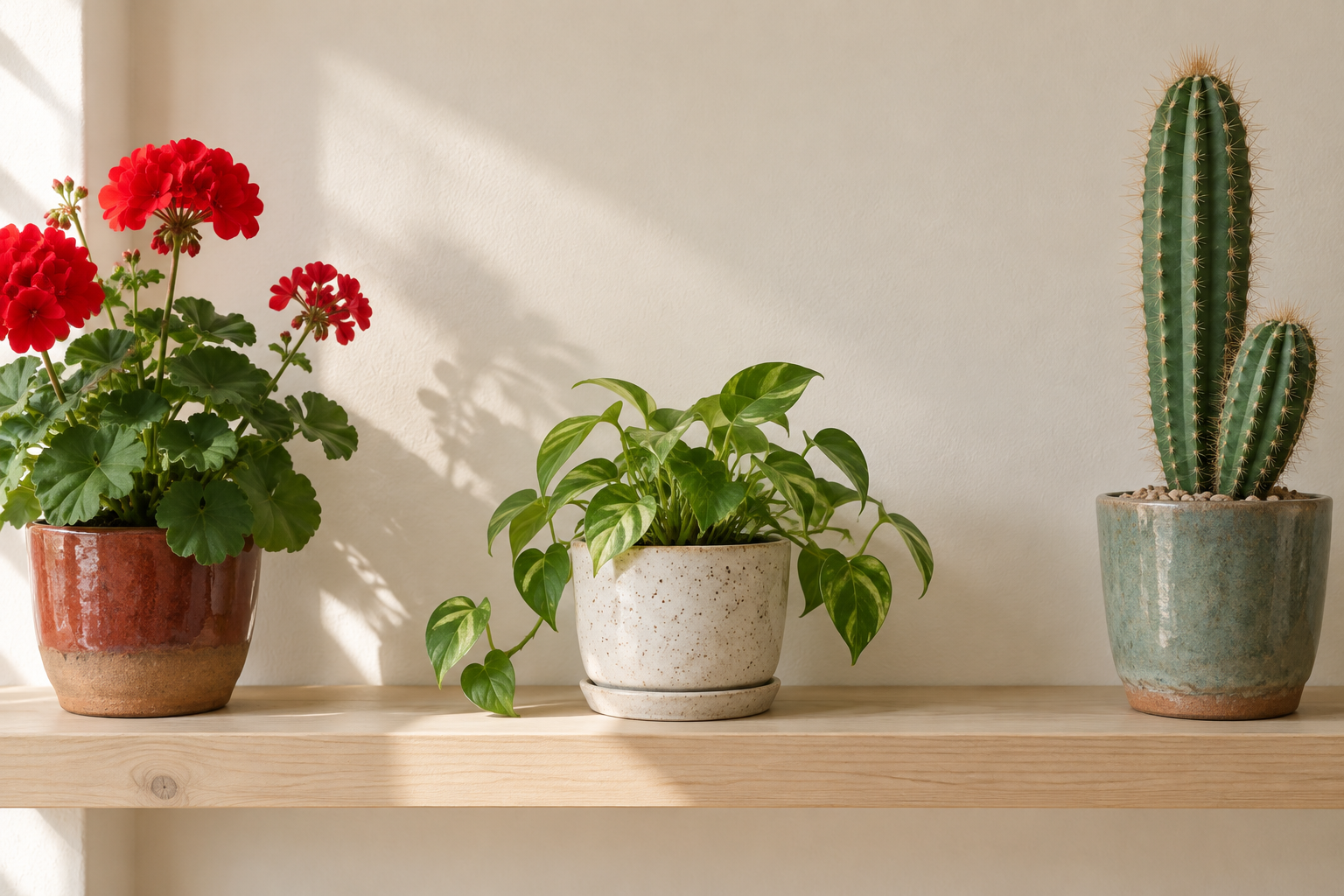
- 2,257,414 bytes

- 194,991 bytes
- 1,536 × 1,024 pixels
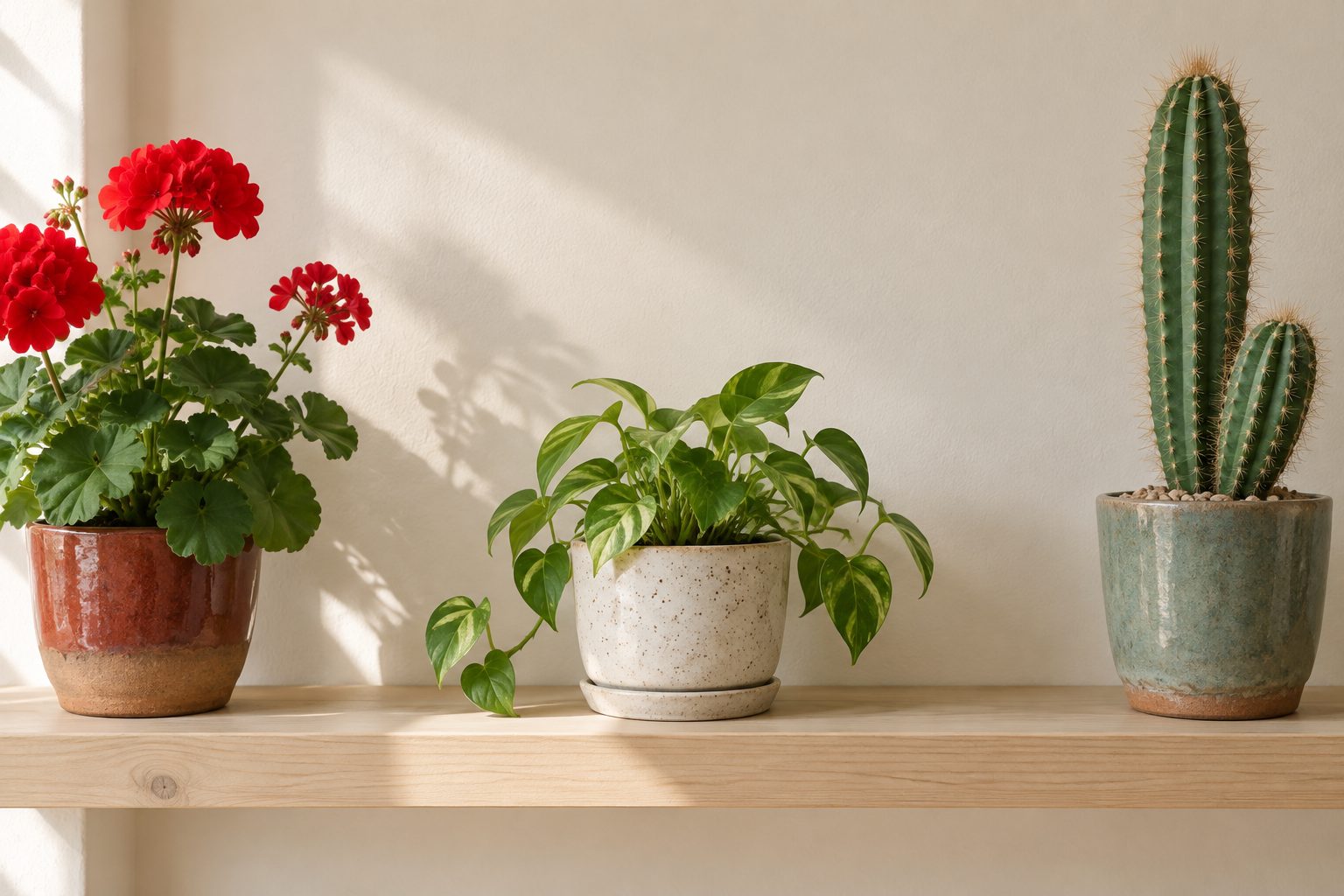
A 2.3 MB PNG photo reduced to 195 KB for an upload form.
- ✓ Selected requirements met
How we checked this
Created with a sample file in the public tool, then the downloaded file was opened separately.
Limits
- Refentra never enlarges an image. If a form demands more pixels than your photo has, use a larger original.
- Very small limits need fewer pixels; faces and small text can become soft.
Questions
What's the difference between KB and pixels?
KB is the file size; pixels are the picture's width and height. Forms often set both. Enter only what your form states.
Why is my result smaller than the limit?
Compression works in steps. Refentra stays below the limit; the exact byte count varies by photo.
Is the image uploaded?
No. Compression runs in your browser.